Foundations of Engineering & Technology
Learn the design process, measurement, safe tool use, and computer-aided design (CAD). Turn sketches into models and test your first prototypes.
Explore Foundations →Design a part. Build a machine. Program a robot. At Northside, you learn engineering by making things, testing them, and figuring out what to improve.
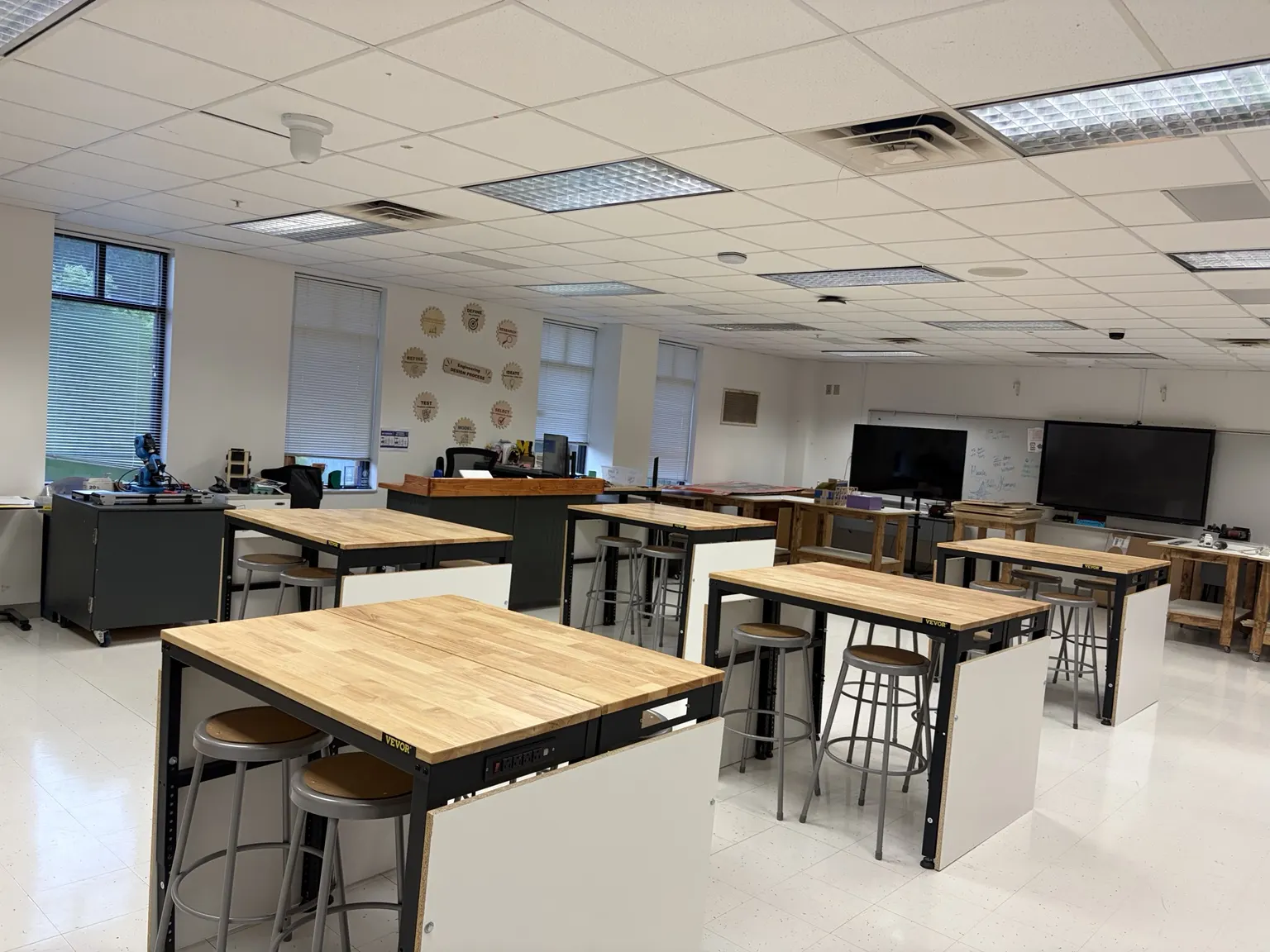
You don’t need to arrive knowing how to code or use a 3D printer. Start with the basics, then take on more complex projects as your skills grow.
Learn the design process, measurement, safe tool use, and computer-aided design (CAD). Turn sketches into models and test your first prototypes.
Explore Foundations →Connect the pieces: mechanical systems, hydraulics, circuits, and structures. Use CAD, testing, and teamwork to solve bigger design problems.
Explore Engineering Concepts →Bring your skills together in a capstone project. Plan the work, build and refine a solution, and explain the evidence behind your decisions.
Explore Engineering Applications →Students sketch, design on a computer, build in the lab, and compare what they expected with what actually happened.
Design and 3D print an insulated container. Follow the daily checkpoints and record evidence in your individual design journal.
Open the project guide →Model a useful object, such as a phone holder, in Onshape. Print the design and see how your choices affect fit, strength, and function.
Build a hydraulic machine using syringes and tubing. Test how accurately it moves an object, then use the results to improve the design.
Explore how code, sensors, circuits, and moving parts work together. Find the problem, change one thing, and test again.
A first attempt is a starting point. Define the problem, research, sketch ideas, choose a design, build a model, test, refine, and share what you learned. Repeat steps when the results point you in a new direction.
Build your skills with other students who like designing, creating, and solving problems.

TSA brings students together for design, technology, and leadership challenges. Ask about our chapter and opportunities to compete.

FTC teams design, build, and program a robot for a competition challenge. Teams also need people who enjoy planning, documenting, and communicating.
You don’t have to know your future career yet. This is a place to explore how things work and what you enjoy creating.
Ask about the pathway, classroom projects, TSA, or robotics. For current magnet application steps and deadlines, contact Northside’s counseling office.
hull.thad.j@muscogee.k12.ga.usNo prior engineering or coding experience is needed to begin Foundations. You’ll learn the tools and practice the skills as you work through projects.
You’ll use math and computers as tools, along with sketching, measuring, building, and testing. Projects connect those skills to something you can see and use.
That gives you information. You’ll look at what happened, identify a possible cause, and try an improvement. Explaining what you learned is part of engineering.
Projects can involve Onshape CAD, 3D printers, a laser cutter, robotics equipment, and electronics. Students learn safe procedures before using equipment.
Email Mr. Hull with program questions. Contact Northside’s counseling office for current eligibility, application requirements, and deadlines.
Use Canvas for assigned work, due dates, and submissions. Open the Harbor Cargo Transfer project guide →
Explore gears, circuits, and more in LAB LOCKDOWN. No experience needed; clues and hints are included.